27 August 2025
5 Questions To Ask Before Choosing An Attendance System
The right choice saves time, prevents errors, and builds trust within your organisation. The wrong choice can lead to endless headaches, hidden costs, and frustrated employees.
27 August 2025
The right choice saves time, prevents errors, and builds trust within your organisation. The wrong choice can lead to endless headaches, hidden costs, and frustrated employees.


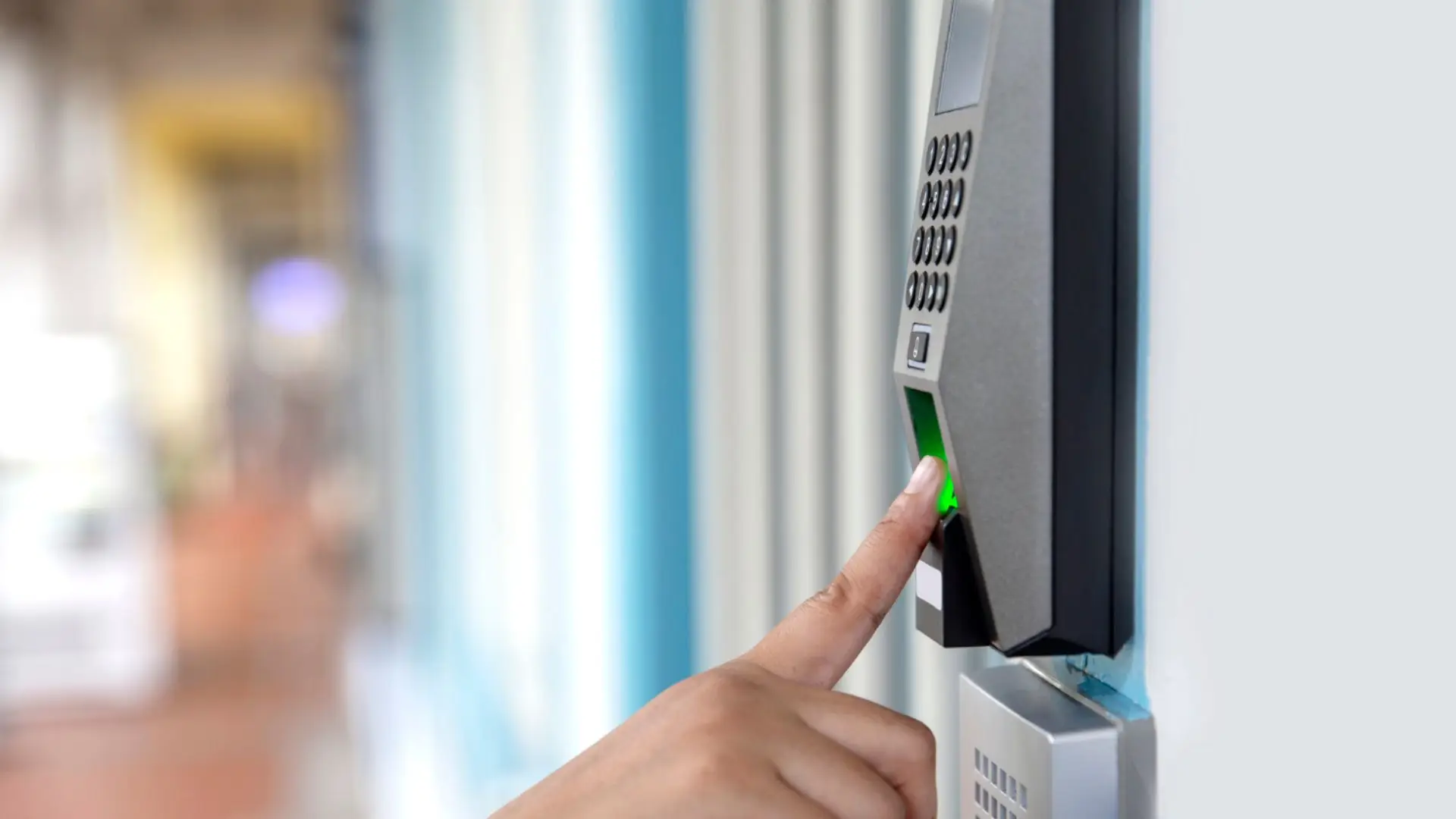
In most organisations, the attendance system is a very crucial, but often overlooked task. You don’t notice it when it works, but the moment it fails, everything gets messy. From payroll to compliance and security, a reliable attendance system underpins day-to-day operations.
For purchase managers and decision-makers, however, selecting the right system for your workplace is rarely straightforward. The market is full of options that promise thousands of benefits such as accuracy, integration, and convenience, but not all of them hold up in the real world. That’s why asking the right questions before signing a purchase order is critical.
Here are five key questions that can help you separate marketing gloss from real value:
On paper, most attendance systems look impressive. But the real test is how they perform in actual environments like hot & sweaty factories, dusty schools, humid warehouses, or high-footfall corporate offices. Look for the following while evaluating options:
An attendance system that isn’t robust under local conditions may end up costing more in downtime and workarounds than its initial purchase price.
Attendance data doesn’t live in isolation. It directly feeds into payroll, HR management, compliance reports, and in some industries, even security audits.
When evaluating systems, check:
The more seamless the integration, the more value you extract from your investment. A standalone device that doesn’t communicate efficiently with the rest of your tech stack will quickly feel outdated.
Attendance systems, especially biometric ones, deal with highly sensitive personal data. A breach isn’t just a tech failure; it’s a compliance risk and a trust issue.
When assessing solutions, ask:
In India, regulations around data privacy are tightening, and global best practices (like GDPR) are influencing expectations. For government institutions and corporates alike, data security should be one of the first checkboxes to tick.

Price tags can be misleading. Many organisations fall into the trap of comparing only upfront device costs, without considering the long-term expenses.
A proper cost evaluation should include:
The cheapest option upfront can turn out to be the most expensive in the long run. A holistic cost comparison gives a clearer picture of true value.
No matter how advanced a system is, problems will arise, whether it’s a software glitch, device malfunction, or user training requirement. This is where after-sales support makes or breaks the experience.
Things to look for:
Good after-sales service isn’t a “bonus”, it’s a critical factor in ensuring your system continues to deliver value for years.
An attendance system is more than a device at your office entrance, it’s the backbone for payroll, compliance, and operational efficiency. The right choice saves time, prevents errors, and builds trust within your organisation. The wrong choice can lead to endless headaches, hidden costs, and frustrated employees.
By asking these five questions — reliability, integration, security, cost of ownership, and after-sales support — you equip yourself to make an informed, long-term decision.
At Access Computech, we’ve seen first-hand how these factors play out in deployments ranging from corporate offices to government schools. That’s why our focus has always been on building systems that are durable, integrable, secure, and backed by responsive support.
Because when it comes to attendance, the best system is the one you never have to think about. It just works.